
Help center
How can we help?
The Yaklip help center explains how to make a storyboard with Yaklip, from one sentence to frames, video clips and a PDF or MP4, with guidance on credits and plans.
Published
Updated
Where should I start with Yaklip?
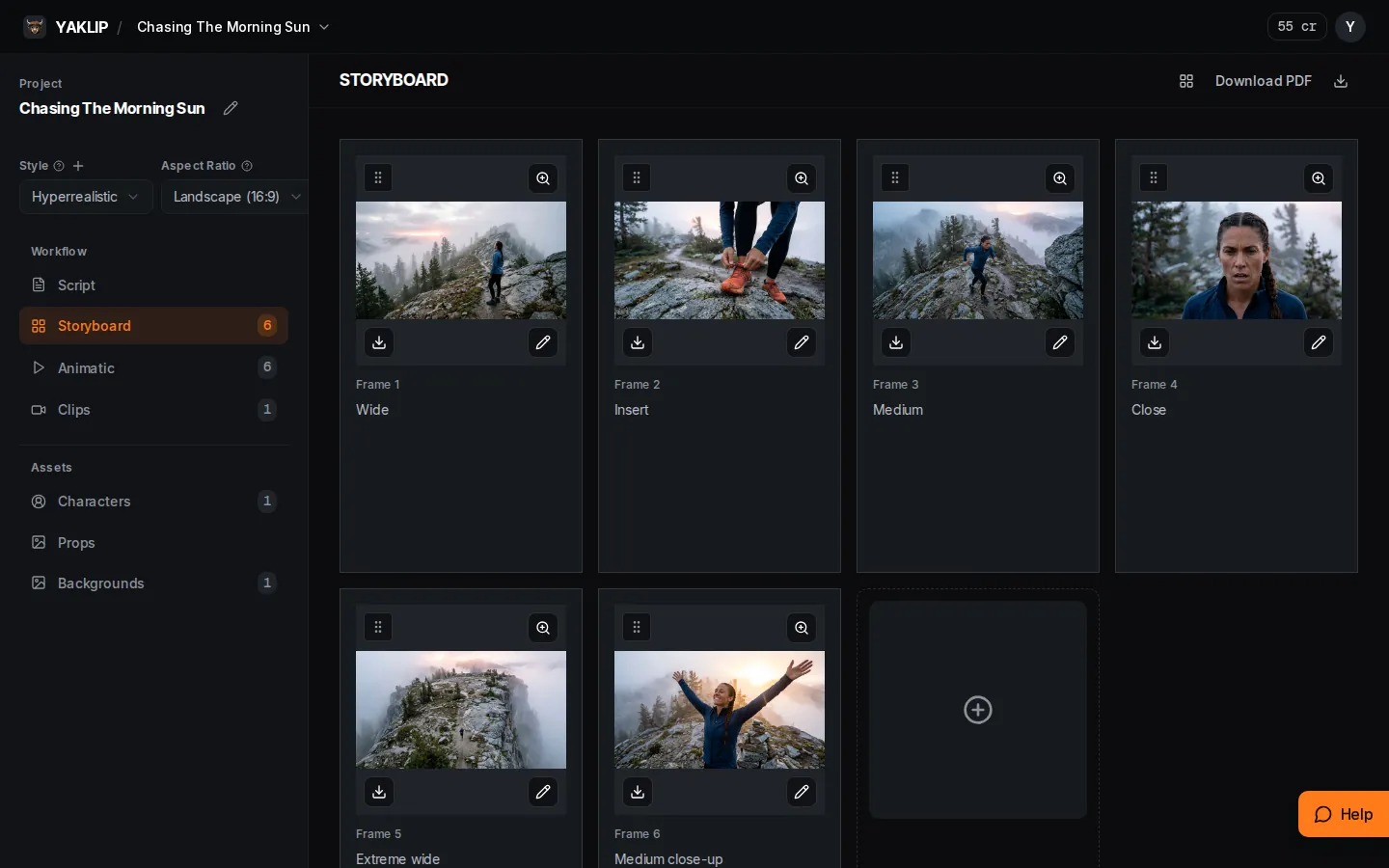
Start with How do I make my first storyboard? Go from one sentence to frames and a PDF. If a character changes between frames, read How do I keep characters the same in every frame? If you want motion, read How do I turn a frame into a video clip? For models, read Which AI model should I use? For billing, read How do credits work?
Popular topics
Getting started
What is Yaklip?

Getting started
How do I make my first storyboard?
Getting started
How do I write a good idea for Quick Start?
Make your storyboard
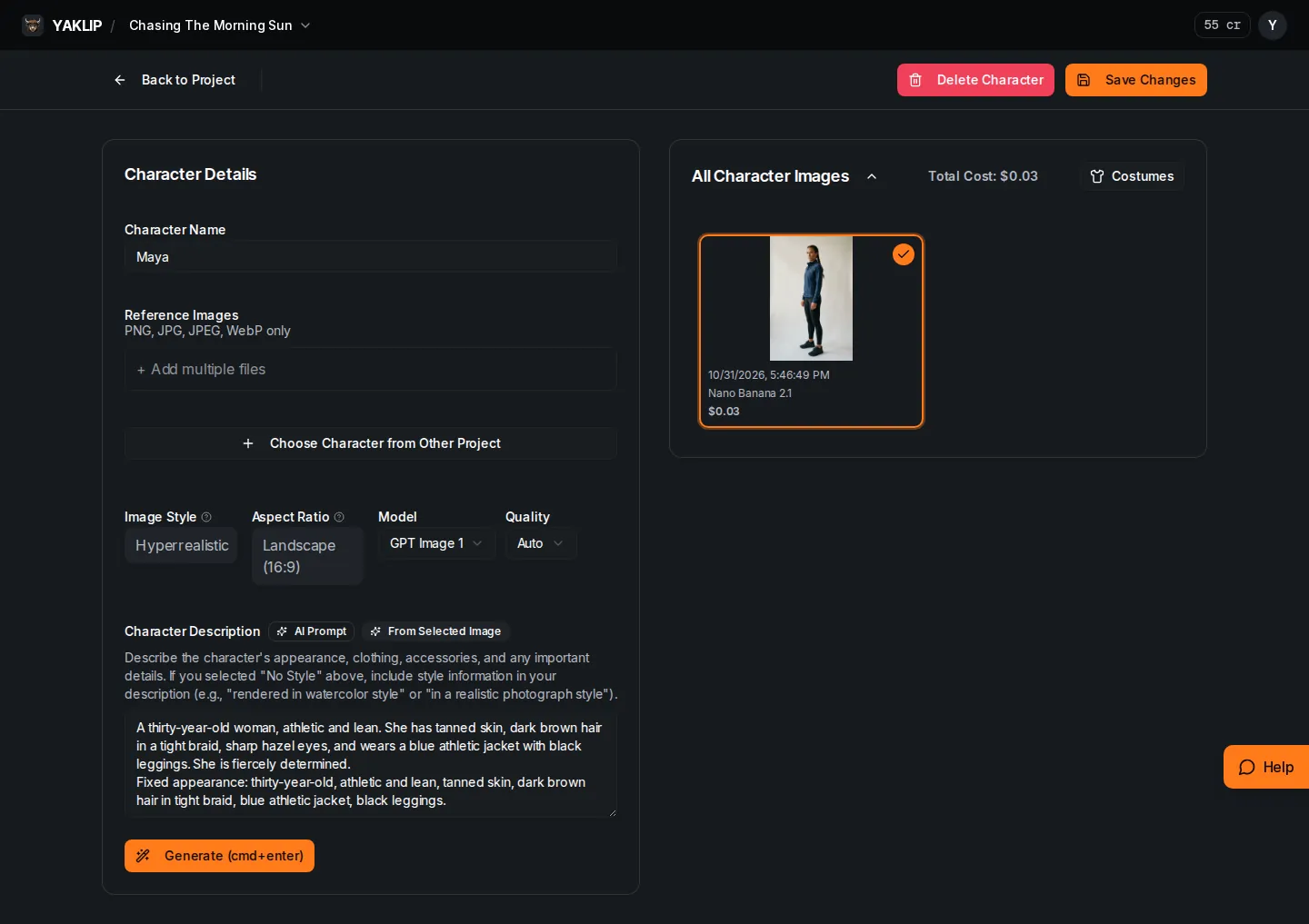
How do I keep characters the same in every frame?
Make your storyboard
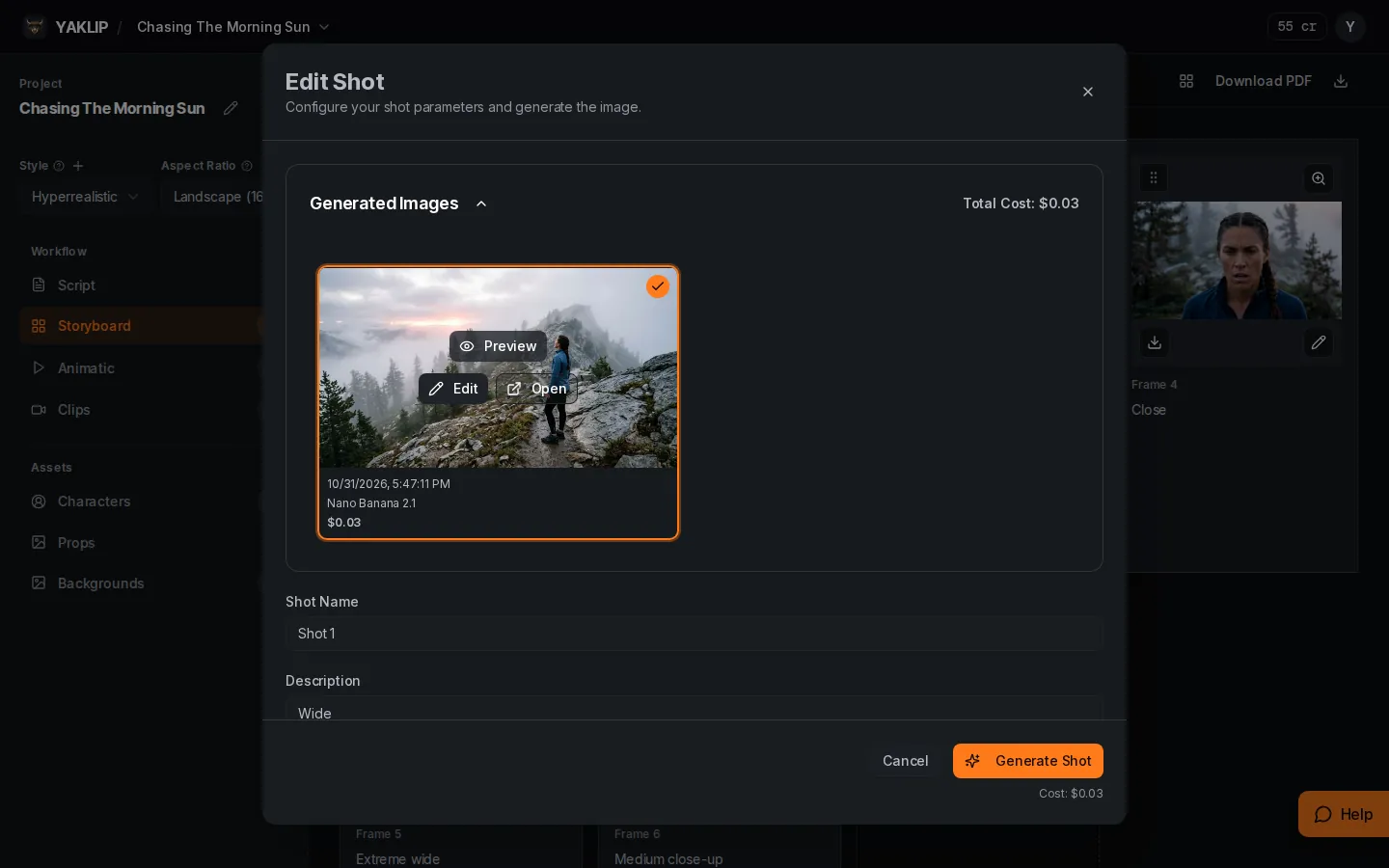
How do I make and fix a storyboard frame?
Make your storyboard
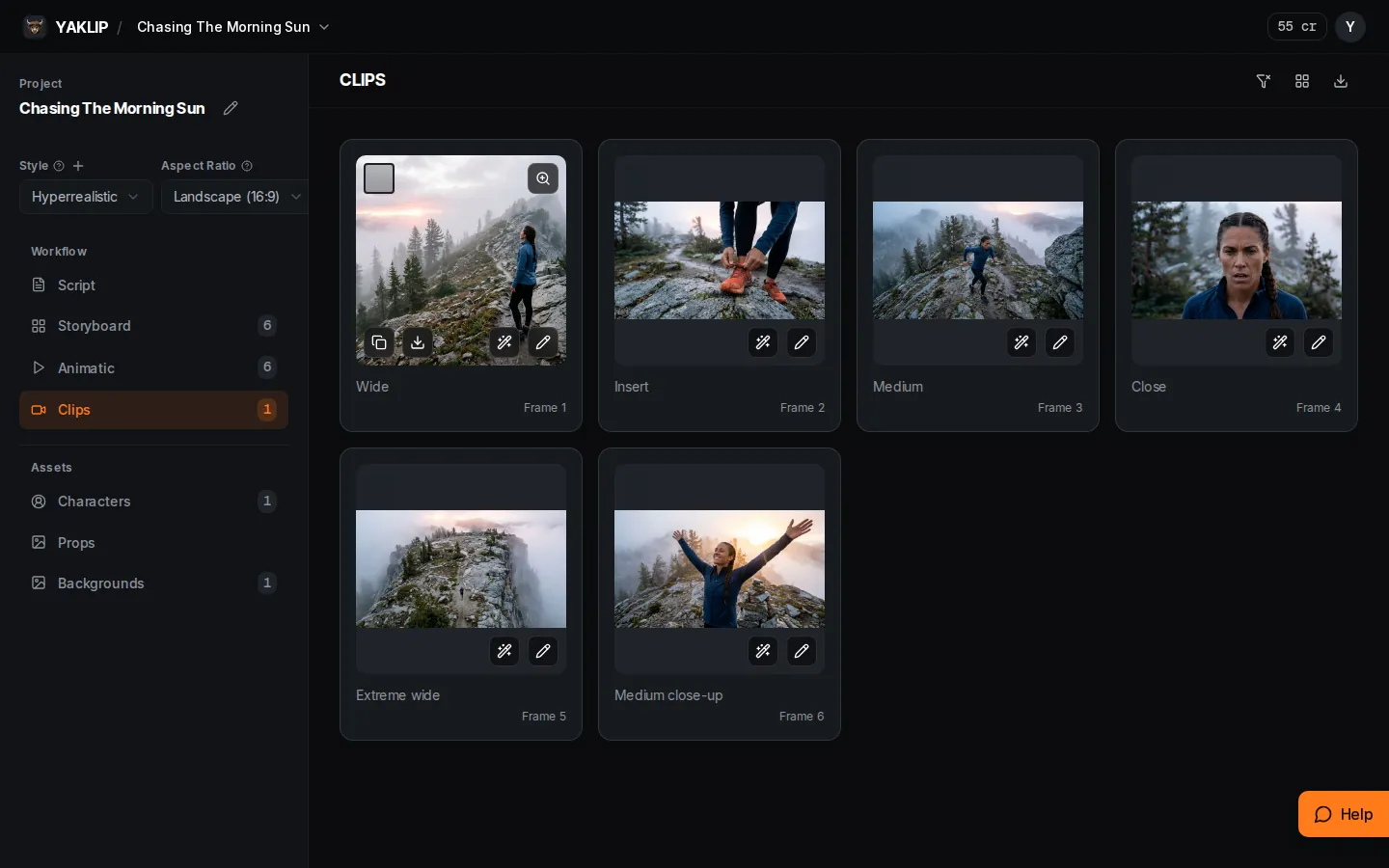
How do I turn a frame into a video clip?
Models
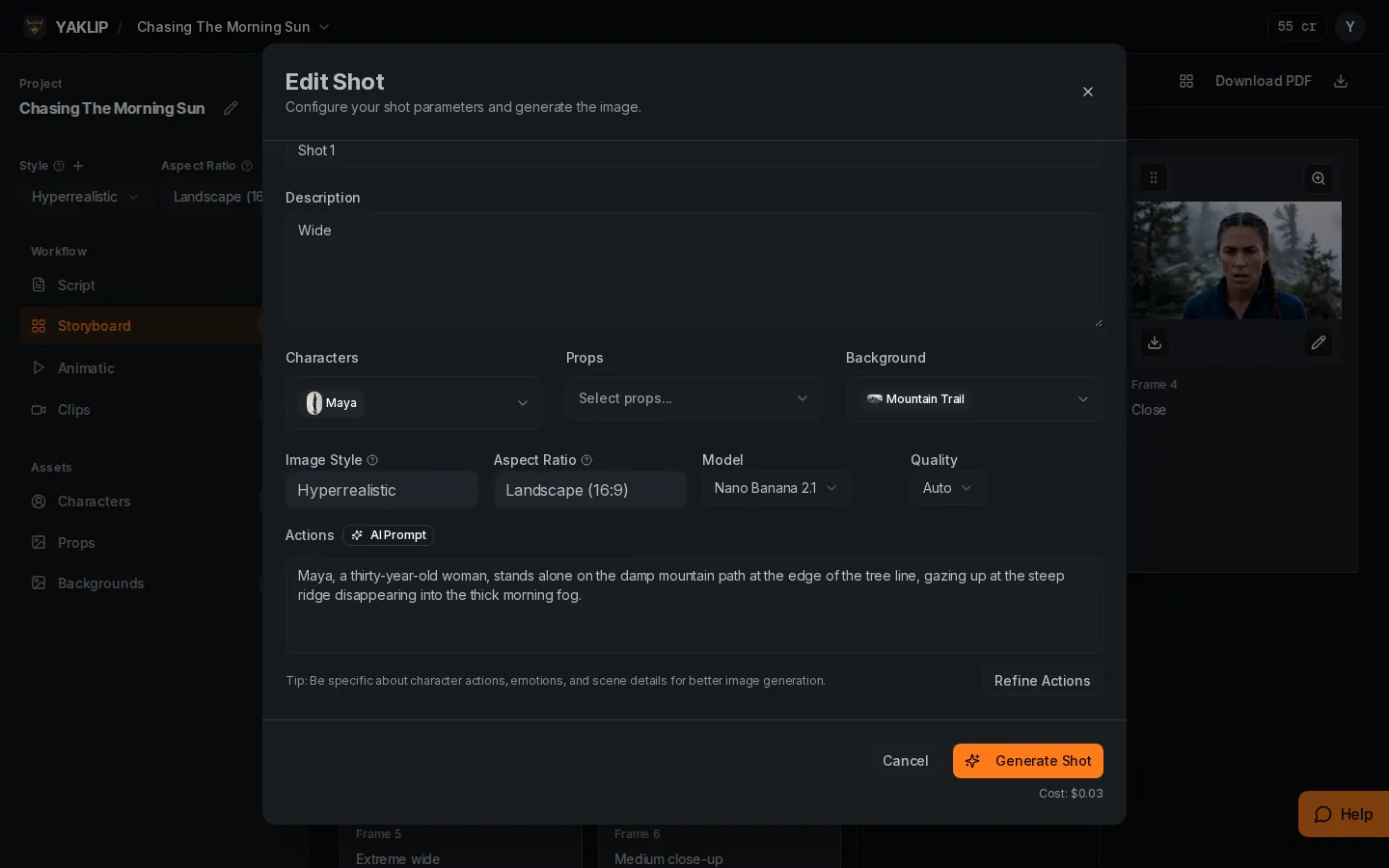
Which AI model should I use?
Make your storyboard
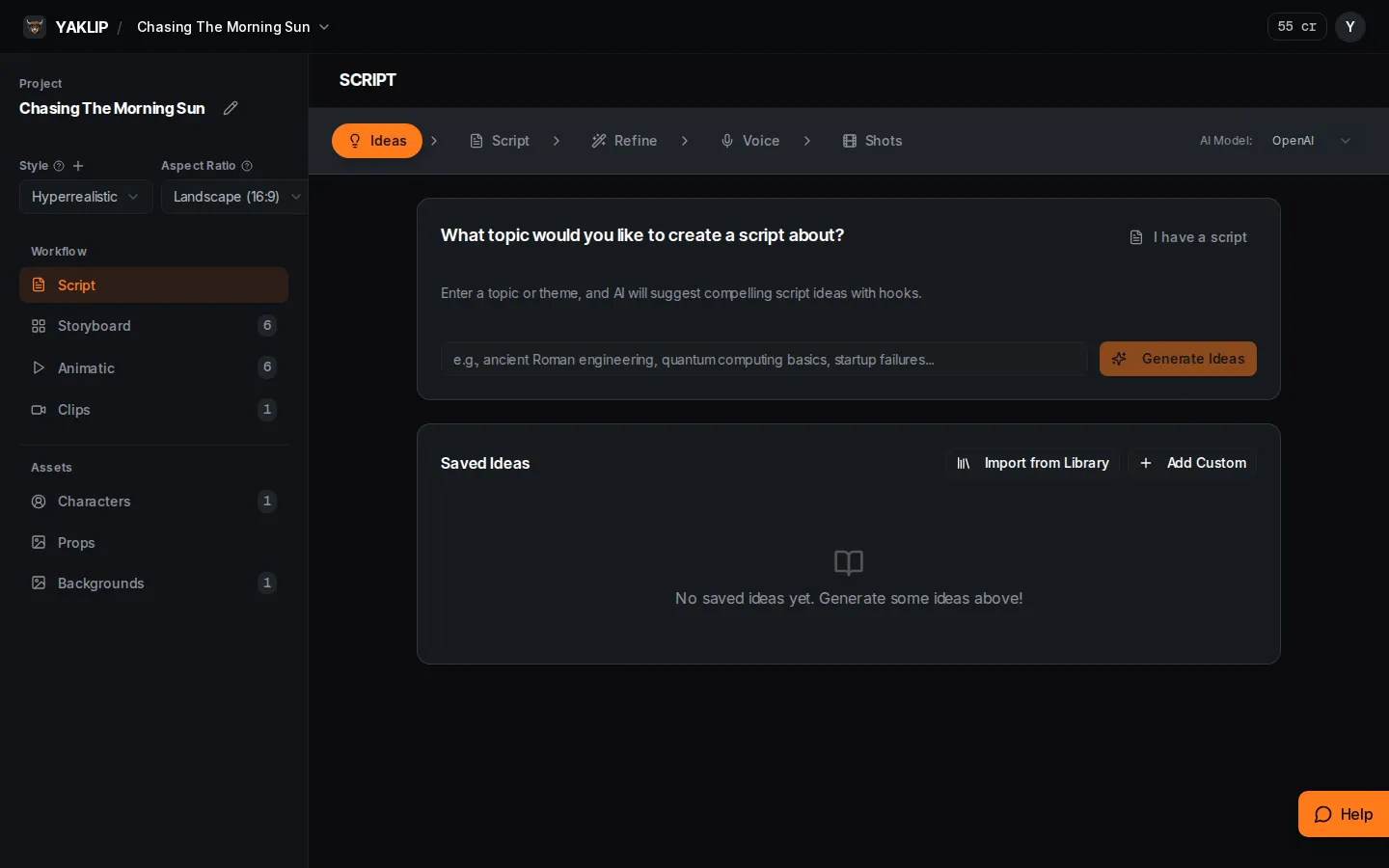
How do I turn an idea into a script?
Share and export
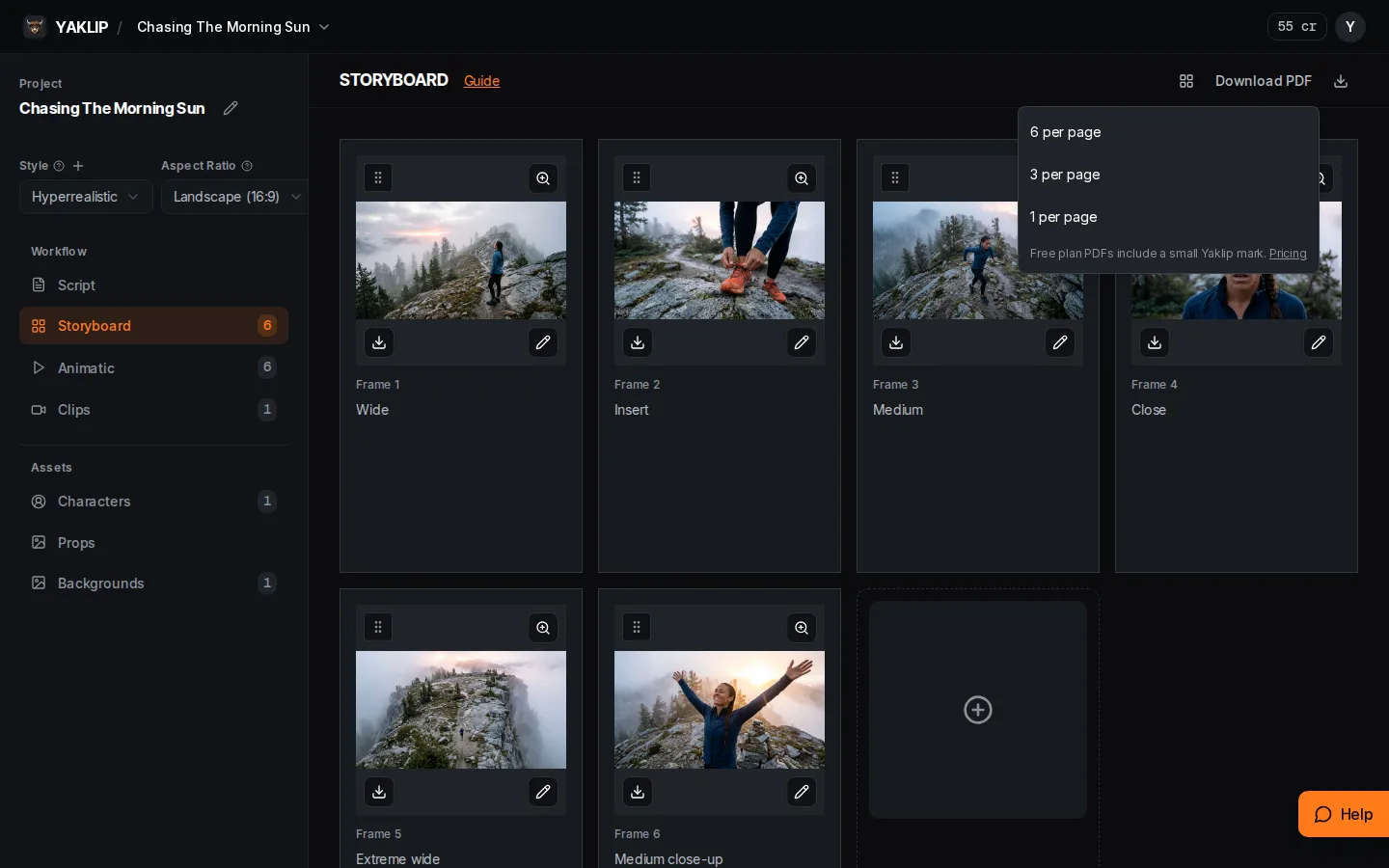
How do I send my storyboard to a client?

Plans and credits
How do credits work?
Getting started
How do I use Yaklip in ChatGPT or Claude?
Browse by topic
Getting started
Make your storyboard
Models
Plans and credits
- How do credits work?
- How do I use my own API keys?
- How do plans and billing work?
- How do I make money selling AI videos with Yaklip?